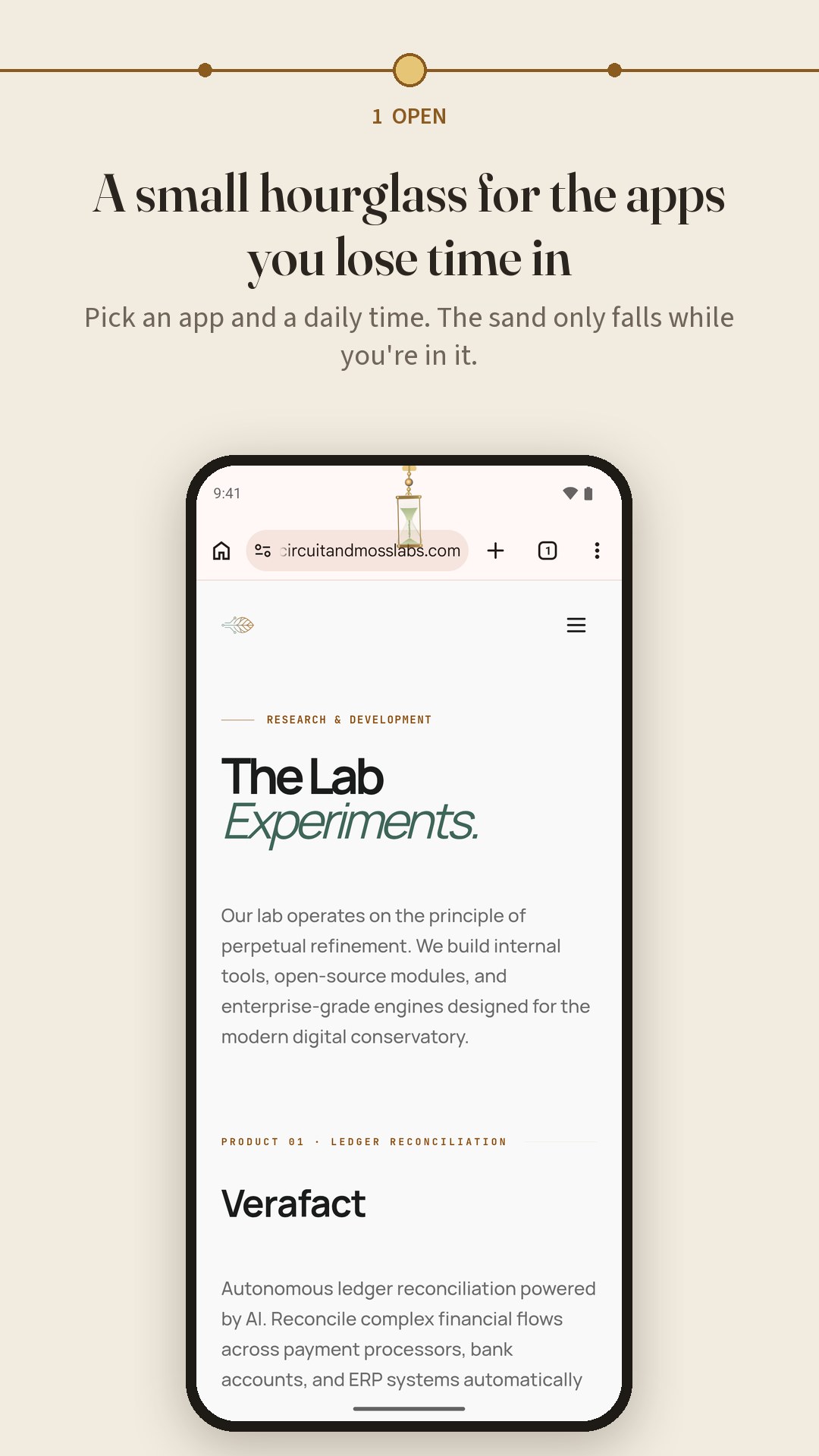
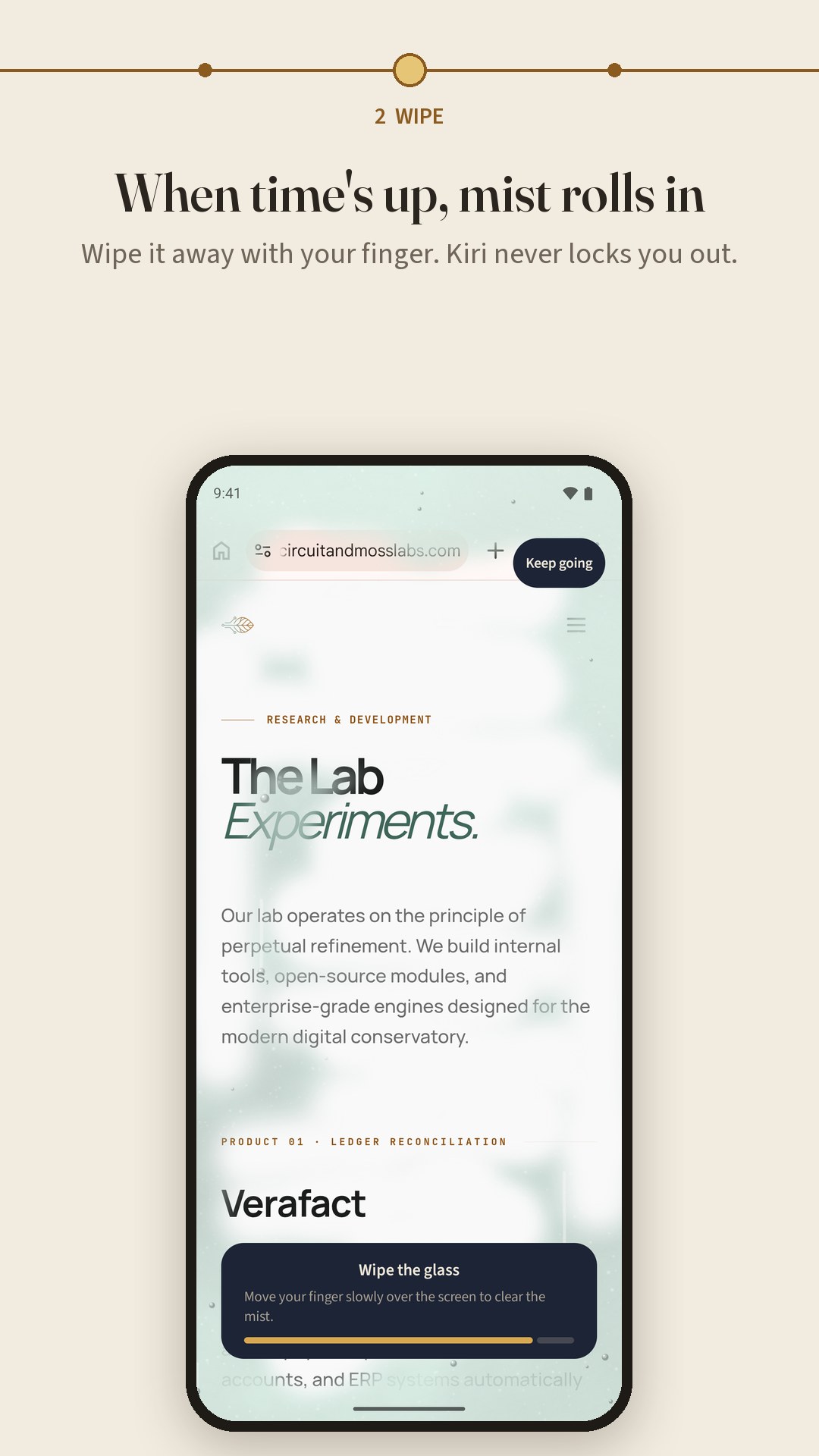
Mist, not lockouts. A gentle hourglass for the apps you lose time in.
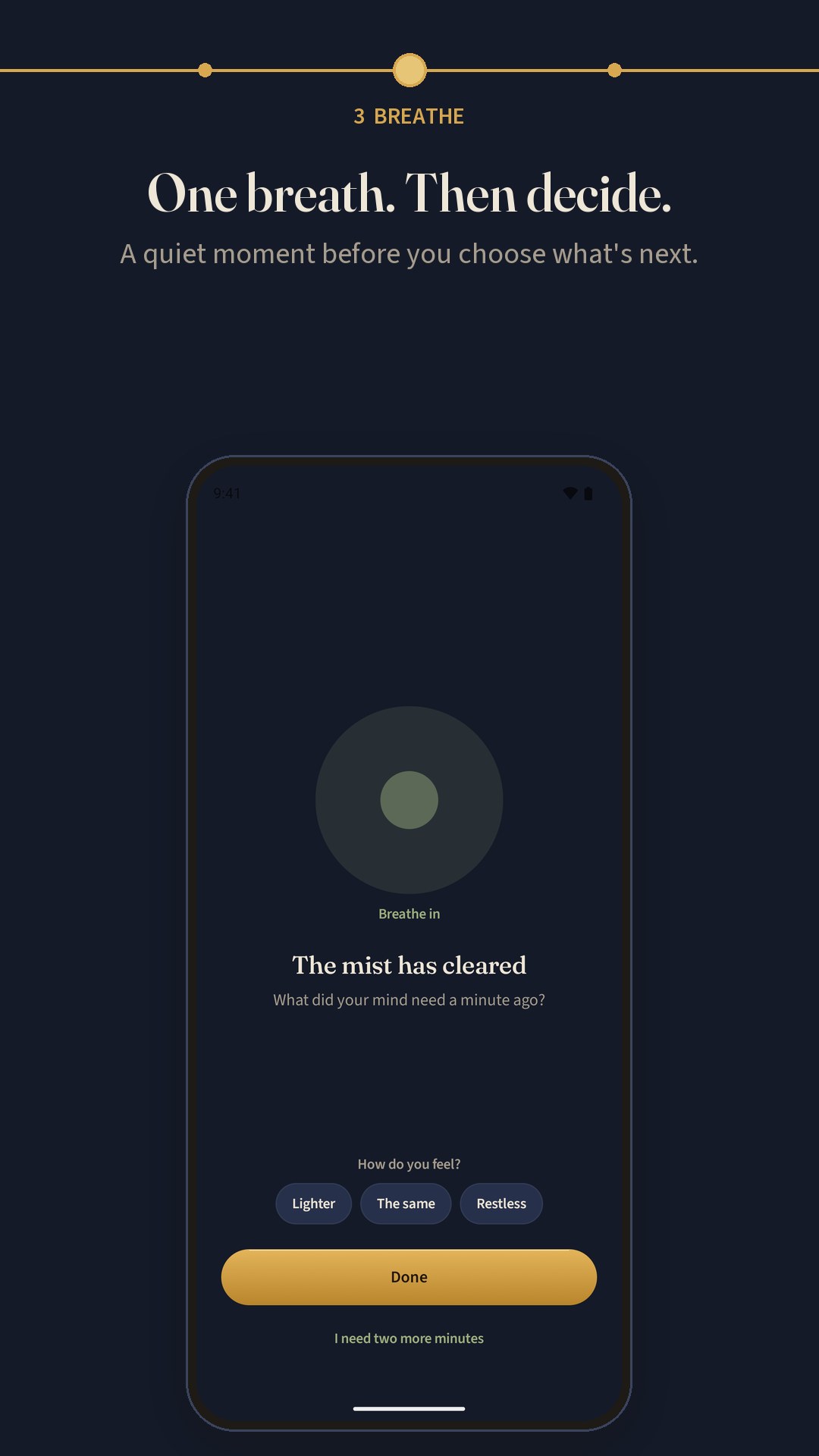
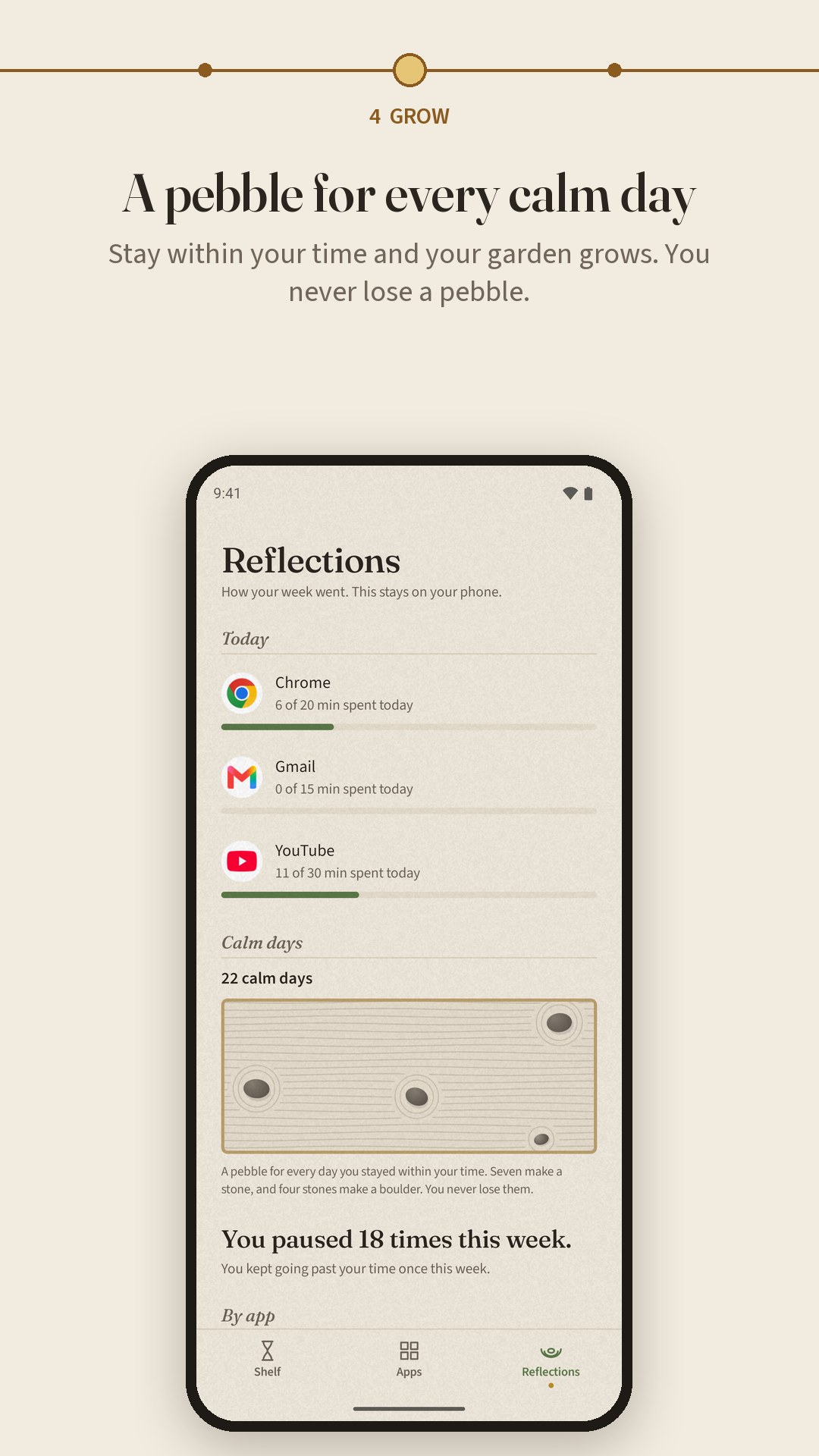
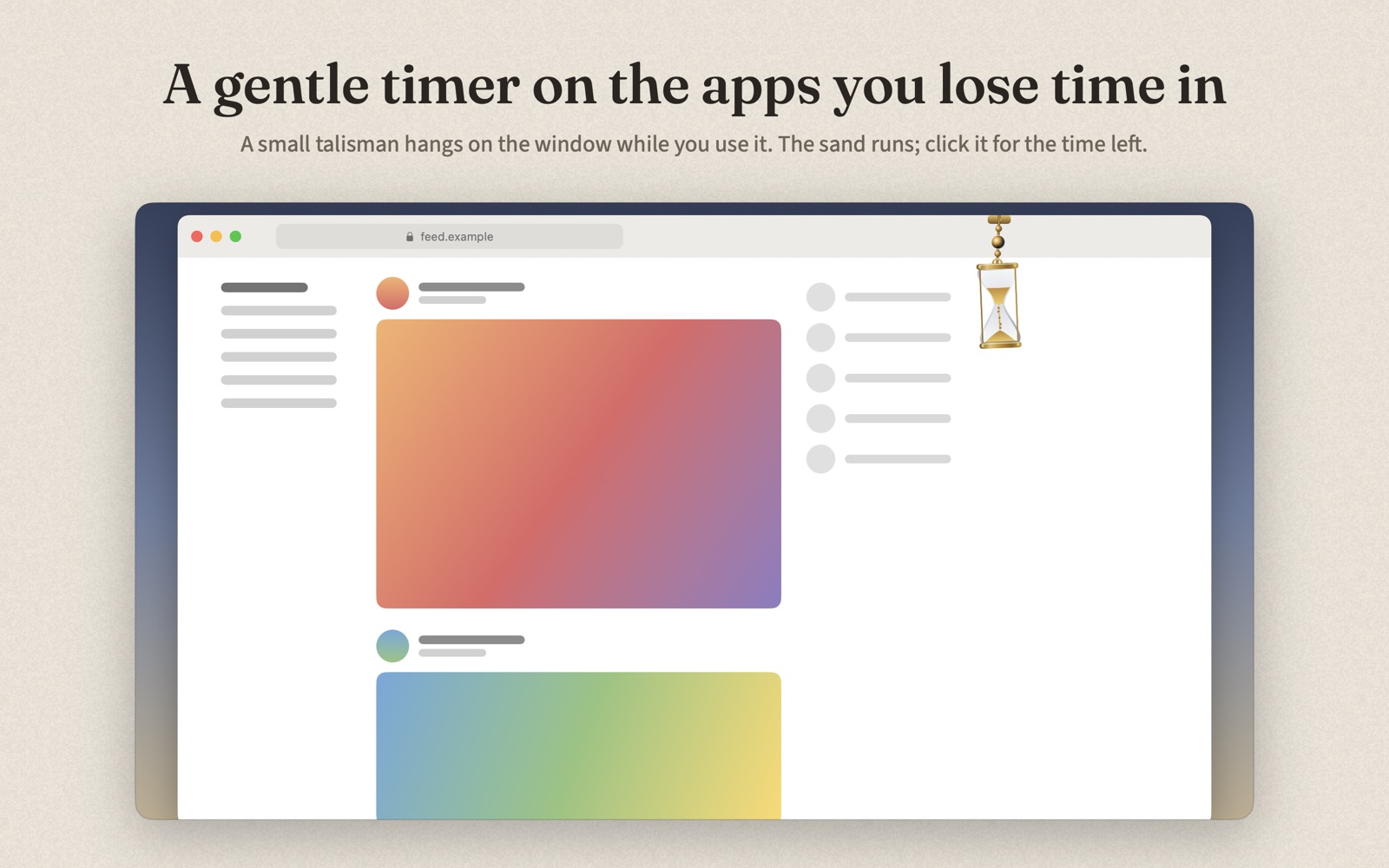
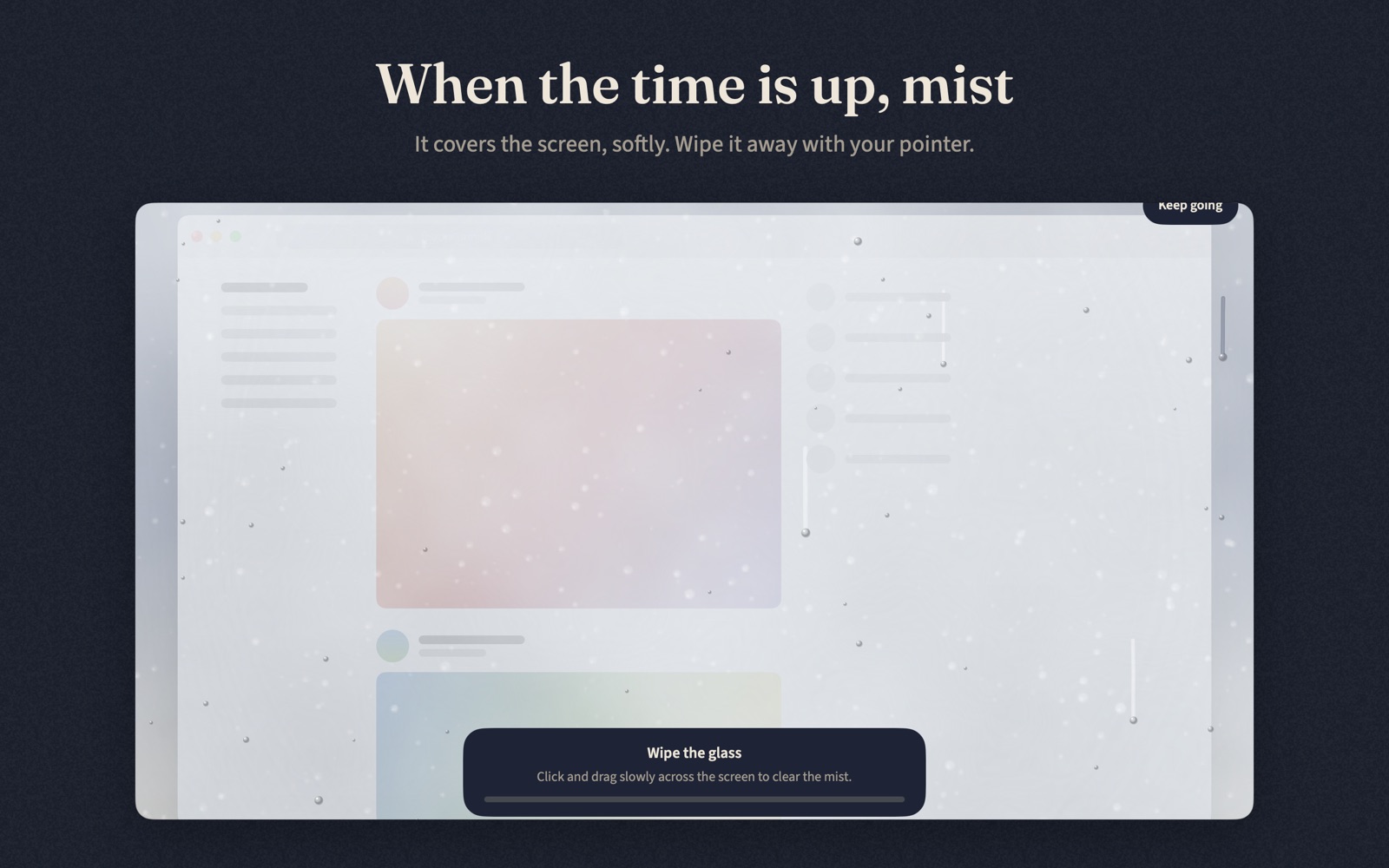
Pick an app and a daily time. A small hourglass hangs over it while you scroll, and when the sand runs out a soft mist drifts in. Wipe it away, take one breath, and choose what comes next. On a Mac it works for websites too. Kiri never locks you out, needs no account, shows no ads, and your history never leaves your device.
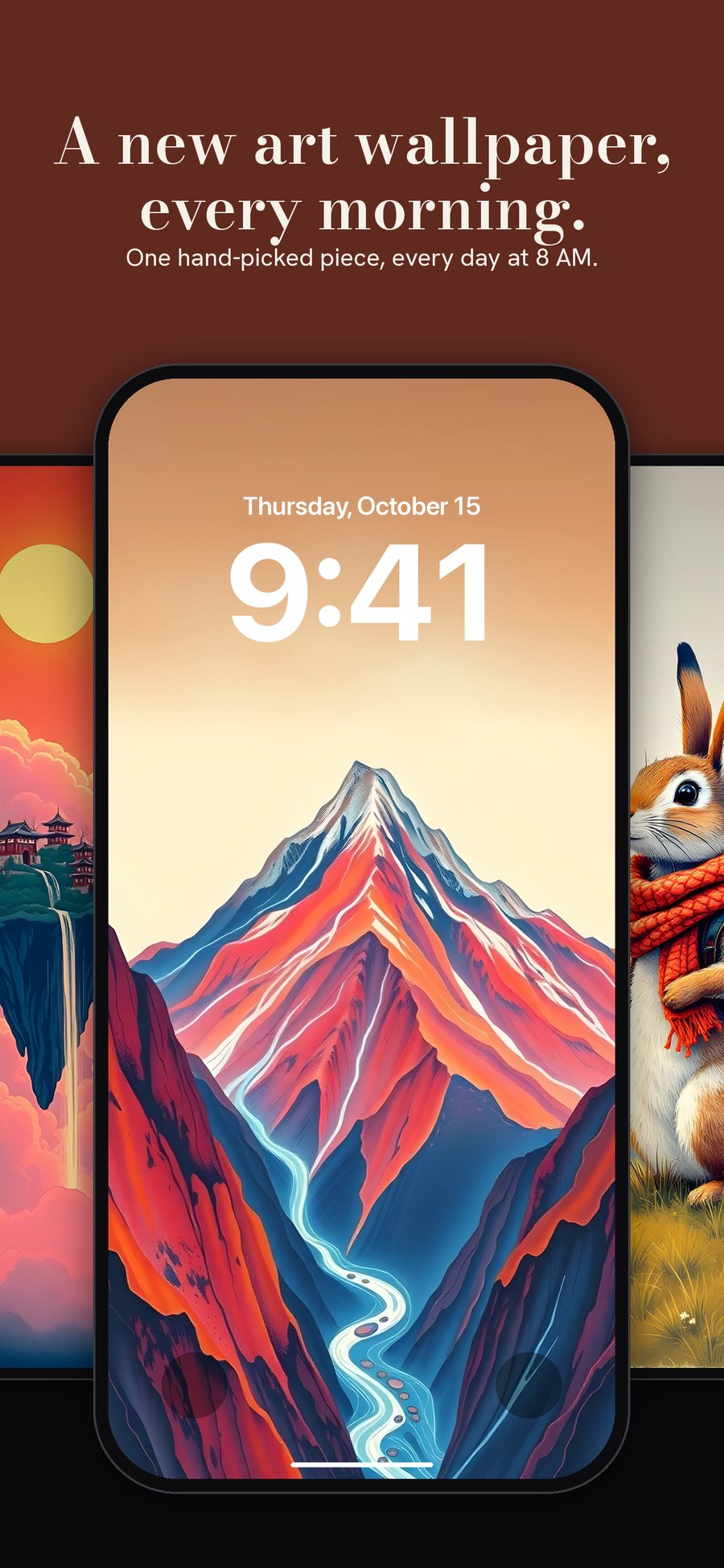
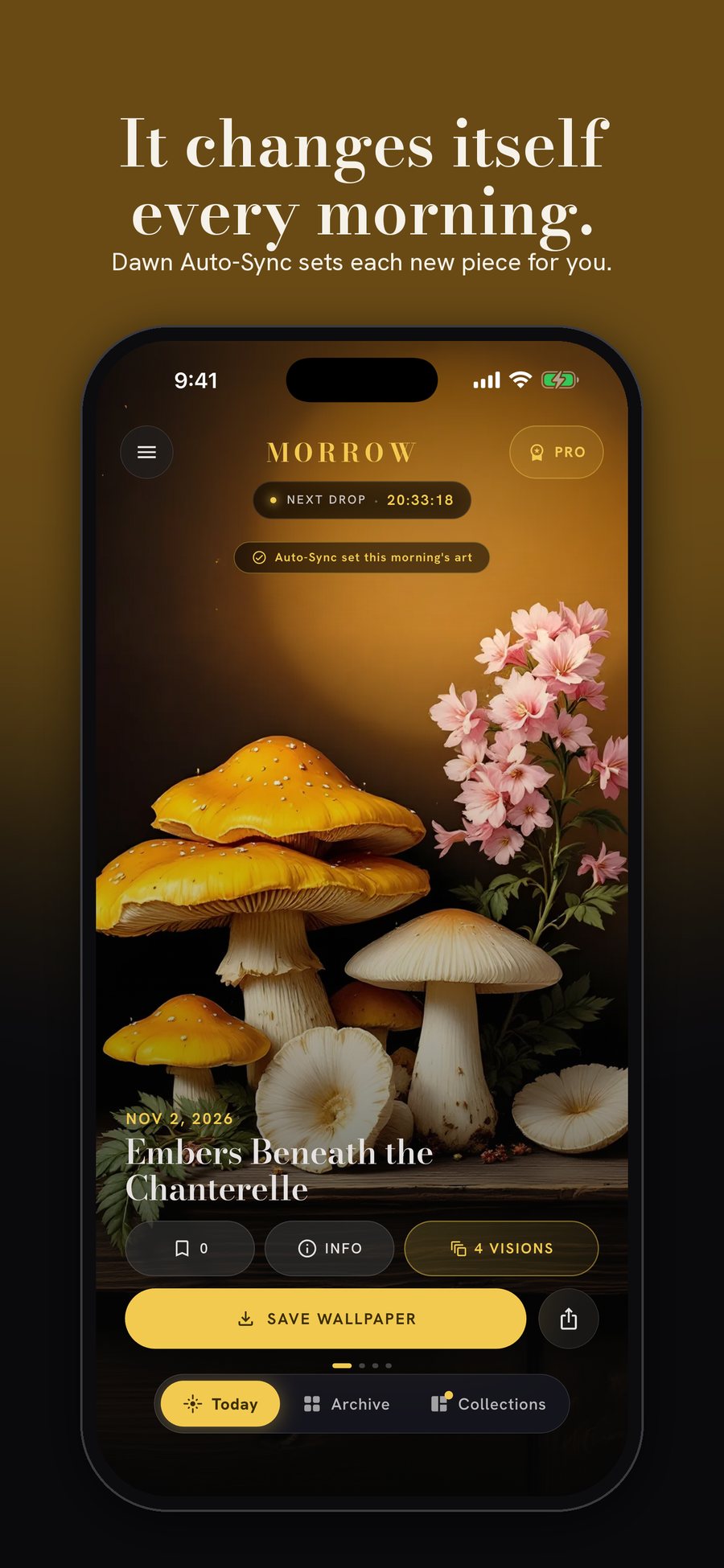
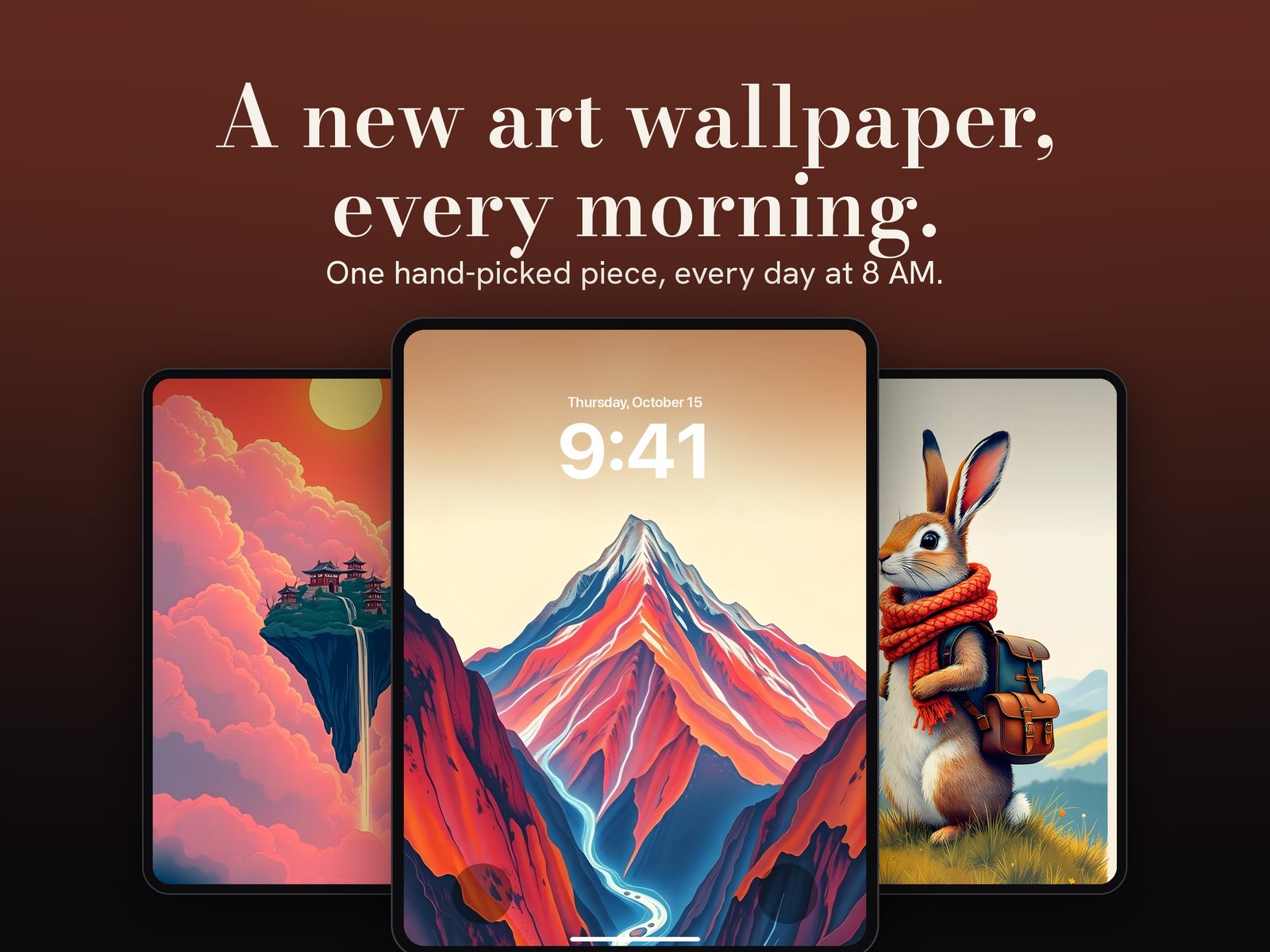
A new piece of art on your lock screen every morning.
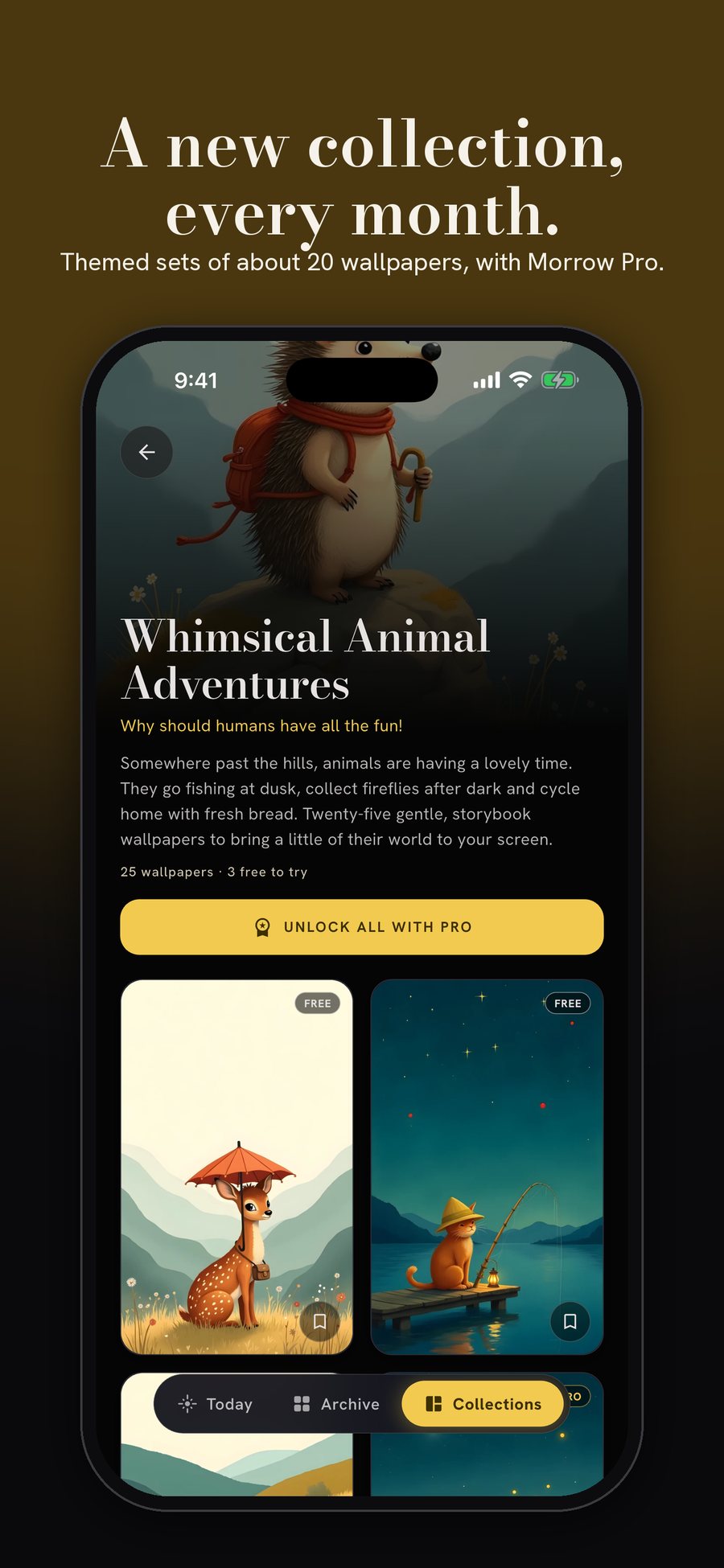
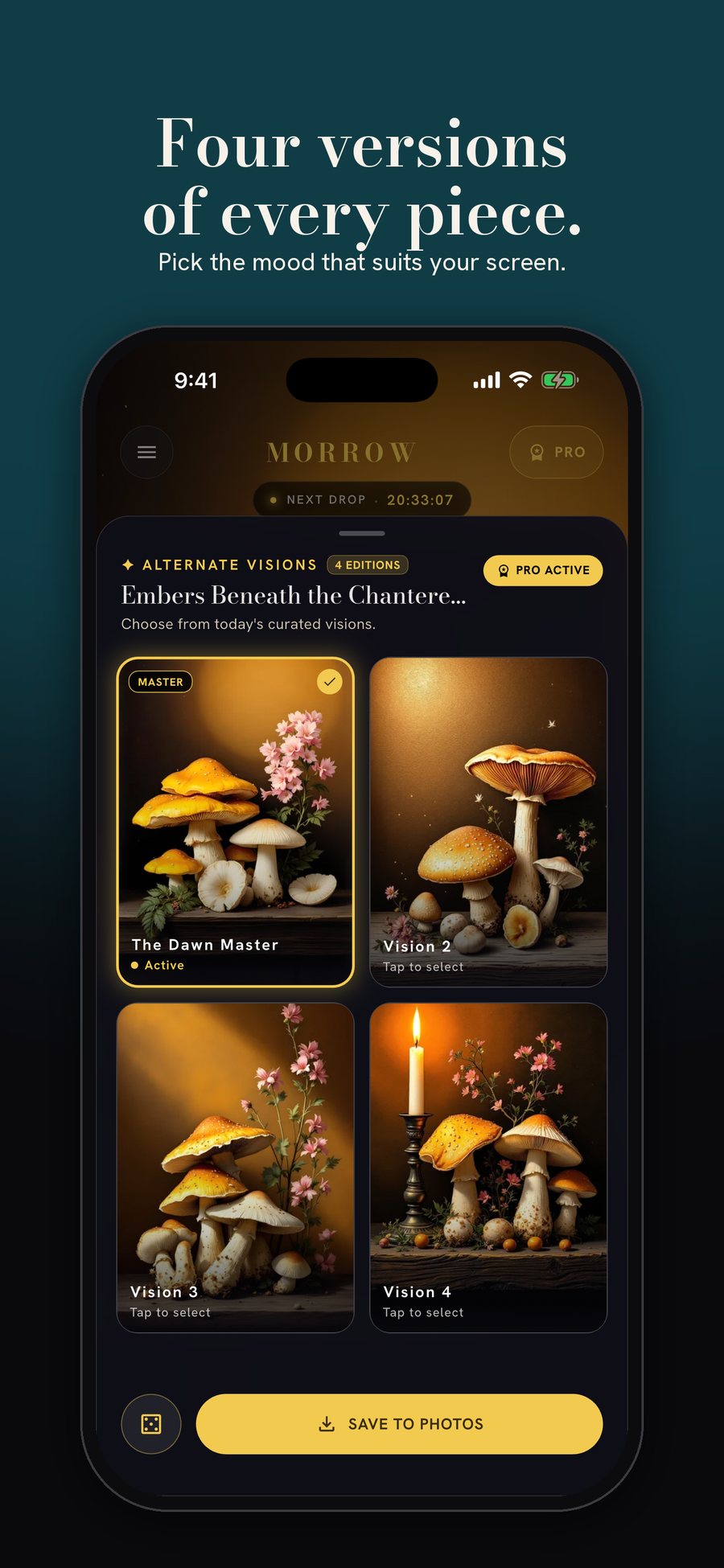
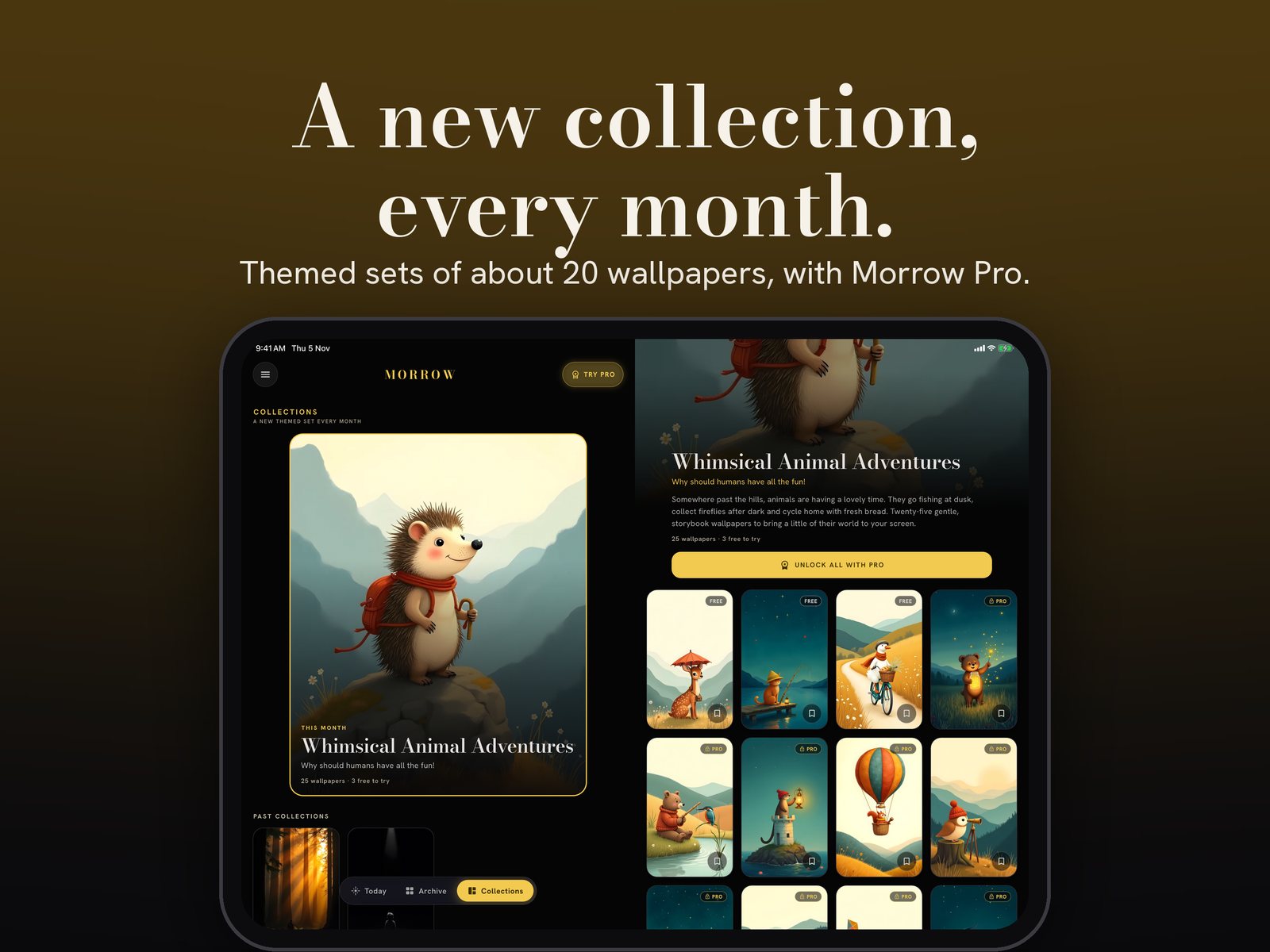
One hand-picked art wallpaper every morning at 8, with a short narrated story about where it came from. A themed collection every month, four versions of every piece, 30 generative styles you shape yourself, and two-pane layouts made for iPhone Duo, iPad and tablets. No ads, ever.
Choose which app opens everything.
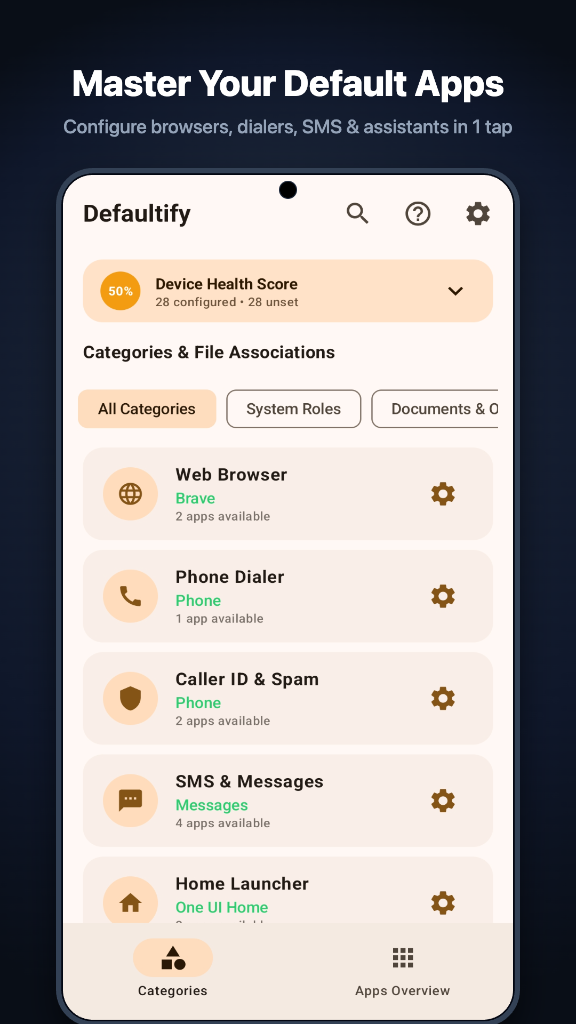
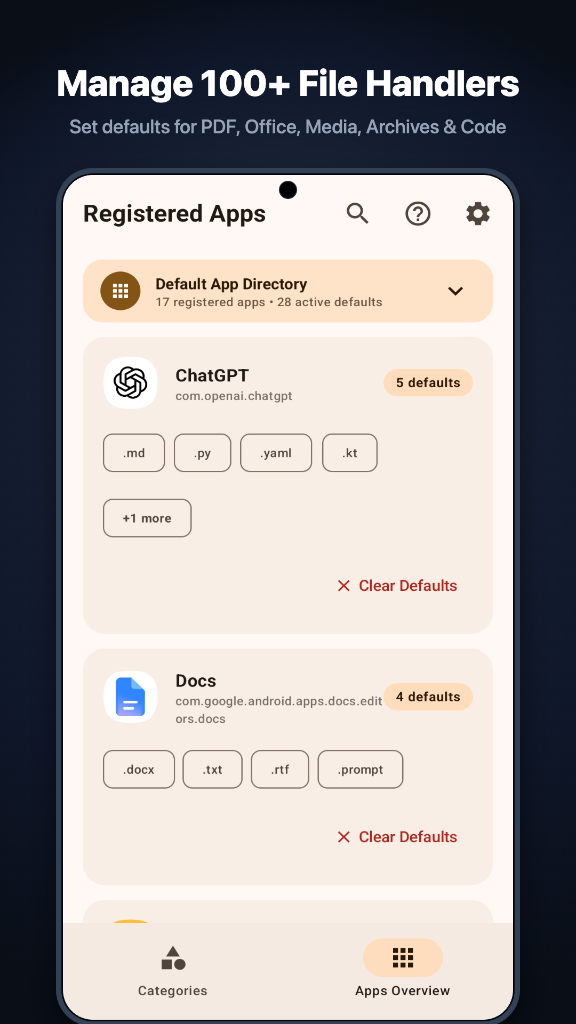
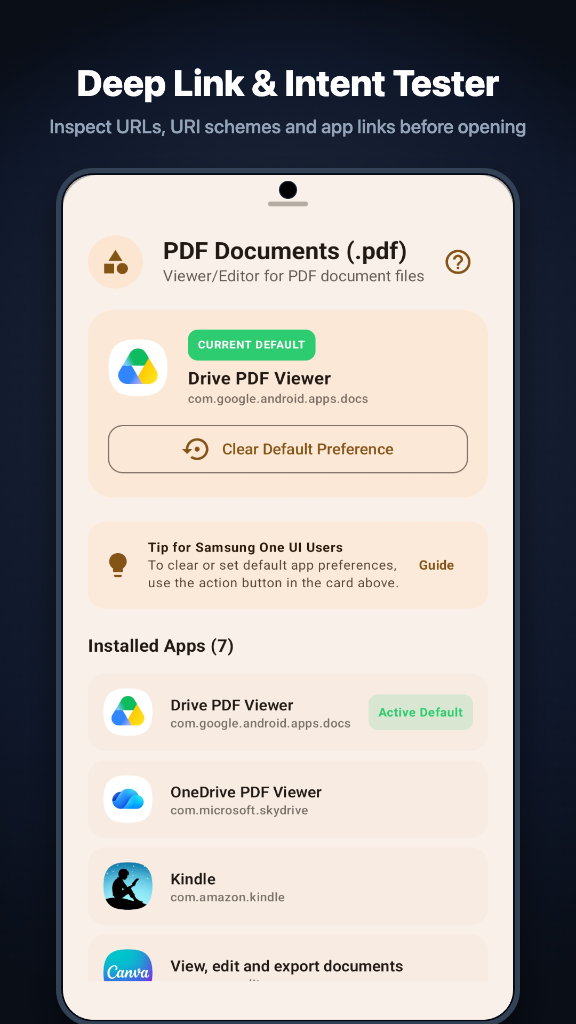
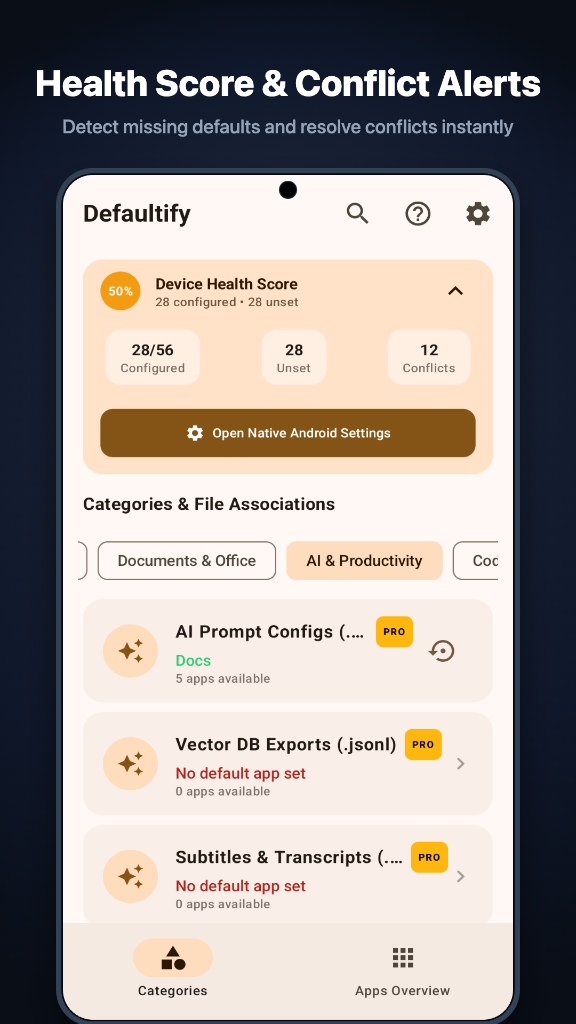
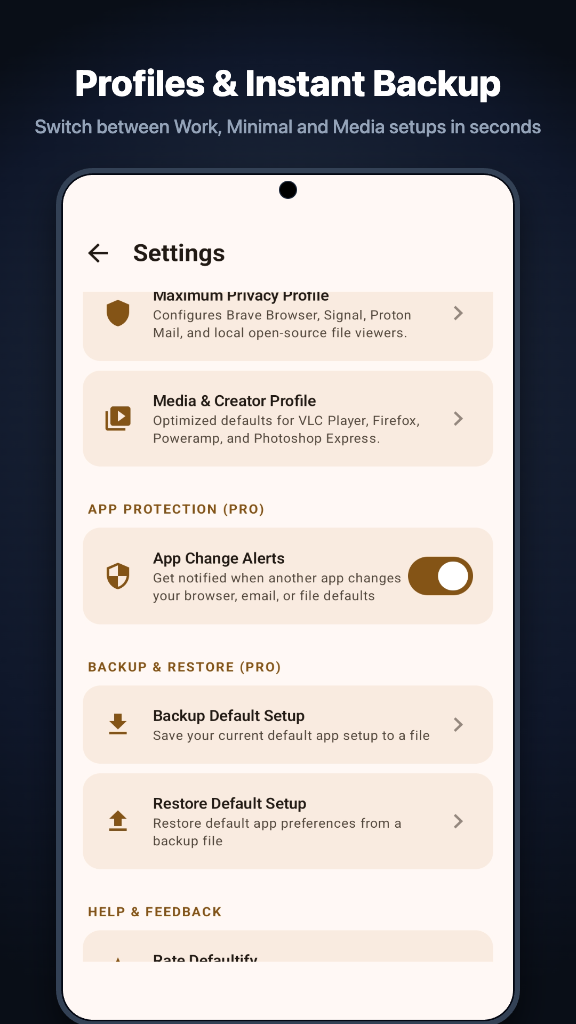
The default app manager for Android and Mac. On Android it covers the browser, dialer, messaging and launcher roles, more than 100 file types, and the settings paths for Samsung, Pixel, Xiaomi and OnePlus phones. On a Mac you choose which app opens every file type and link, drop a file to see what opens it, and back up your choices.
See which apps can see, hear and track you. It can't go online.
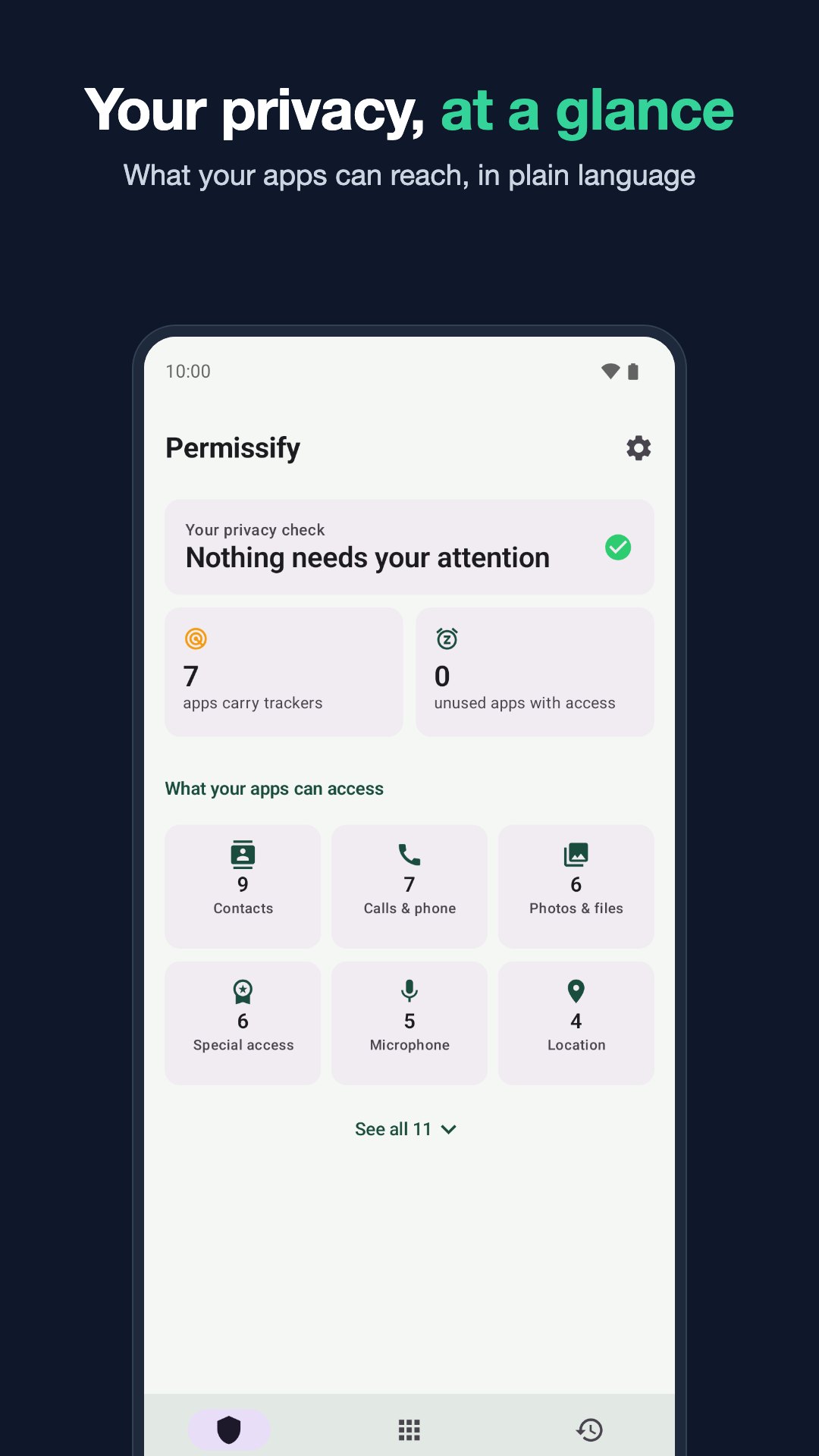
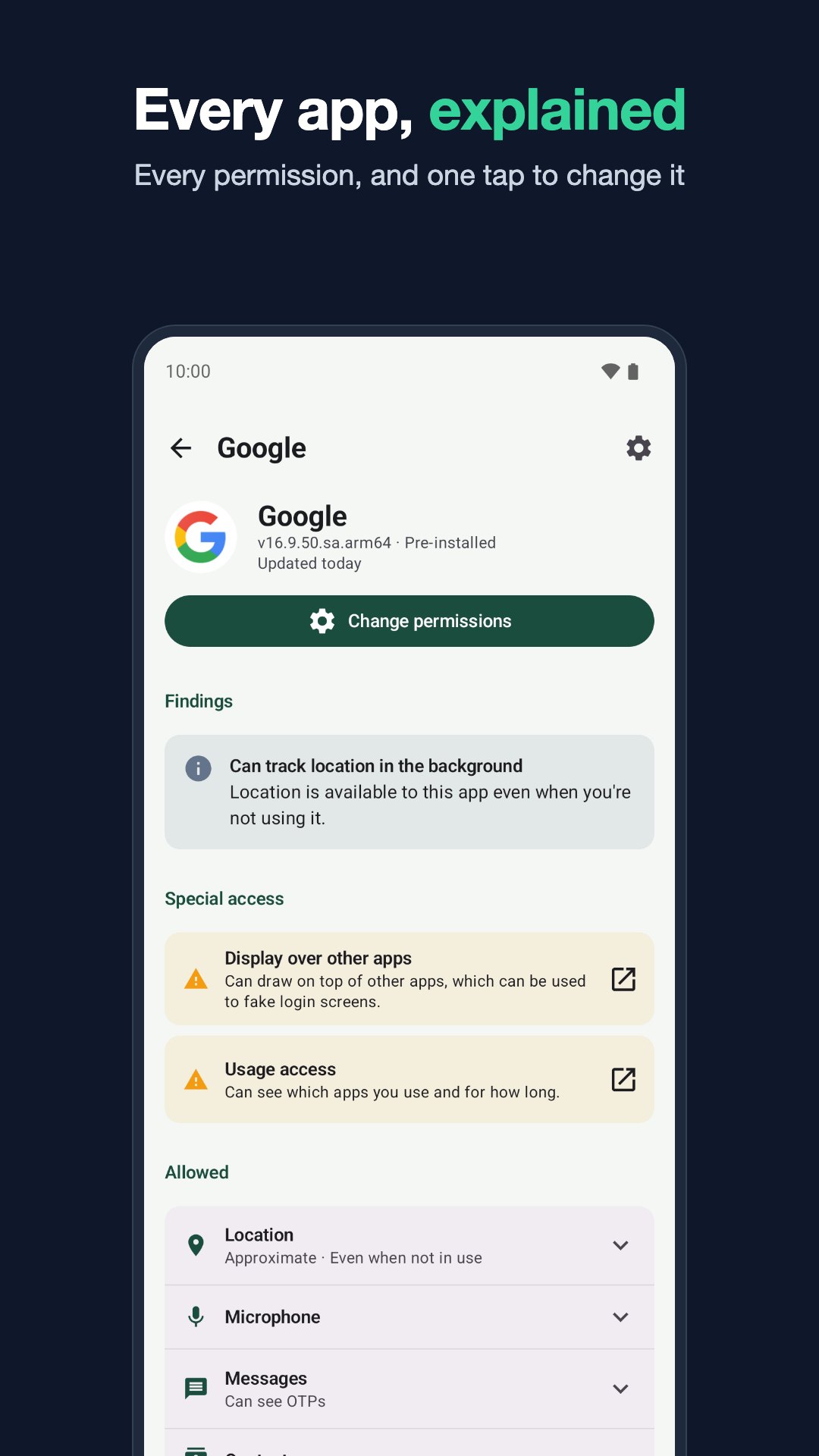
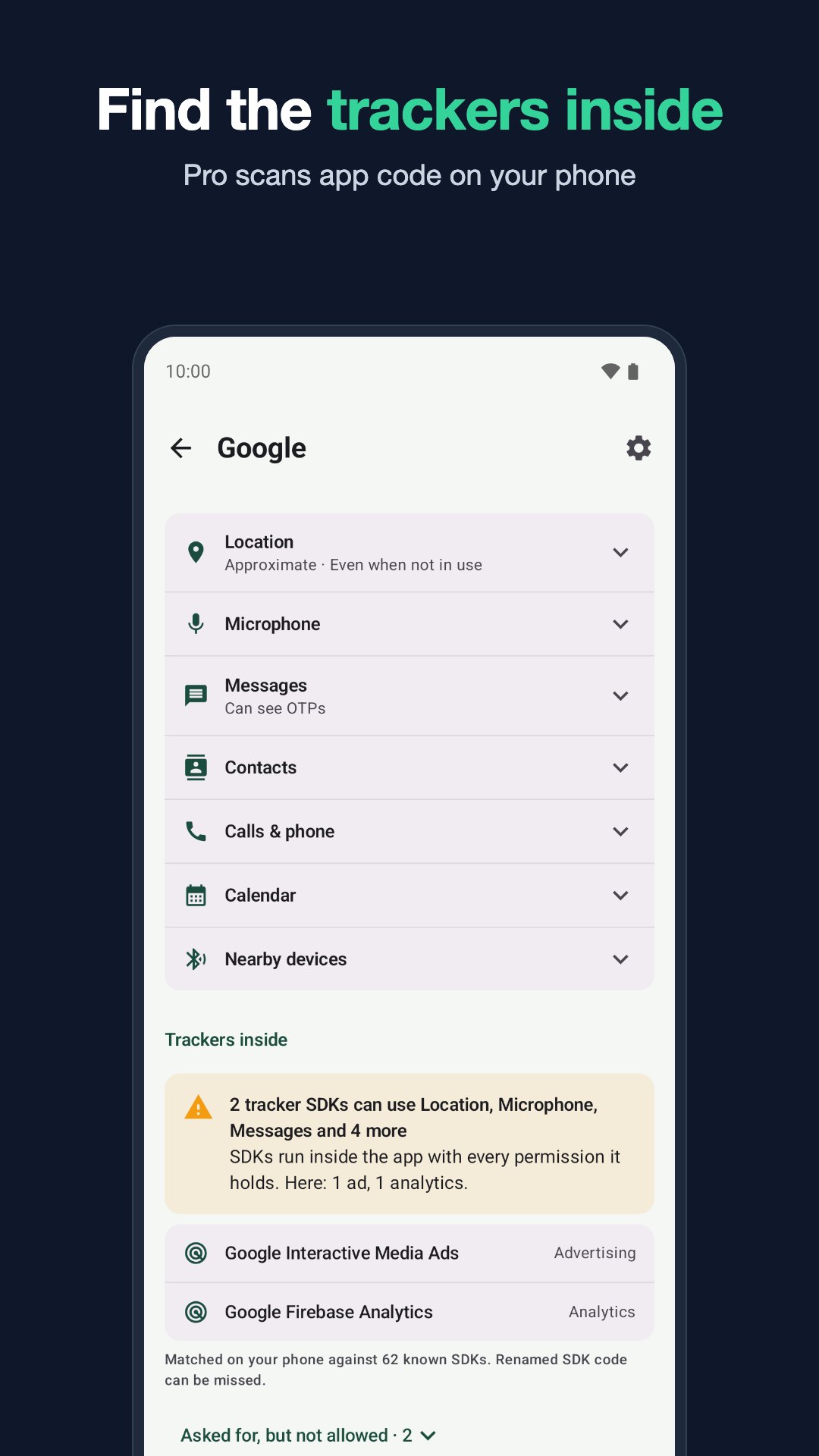
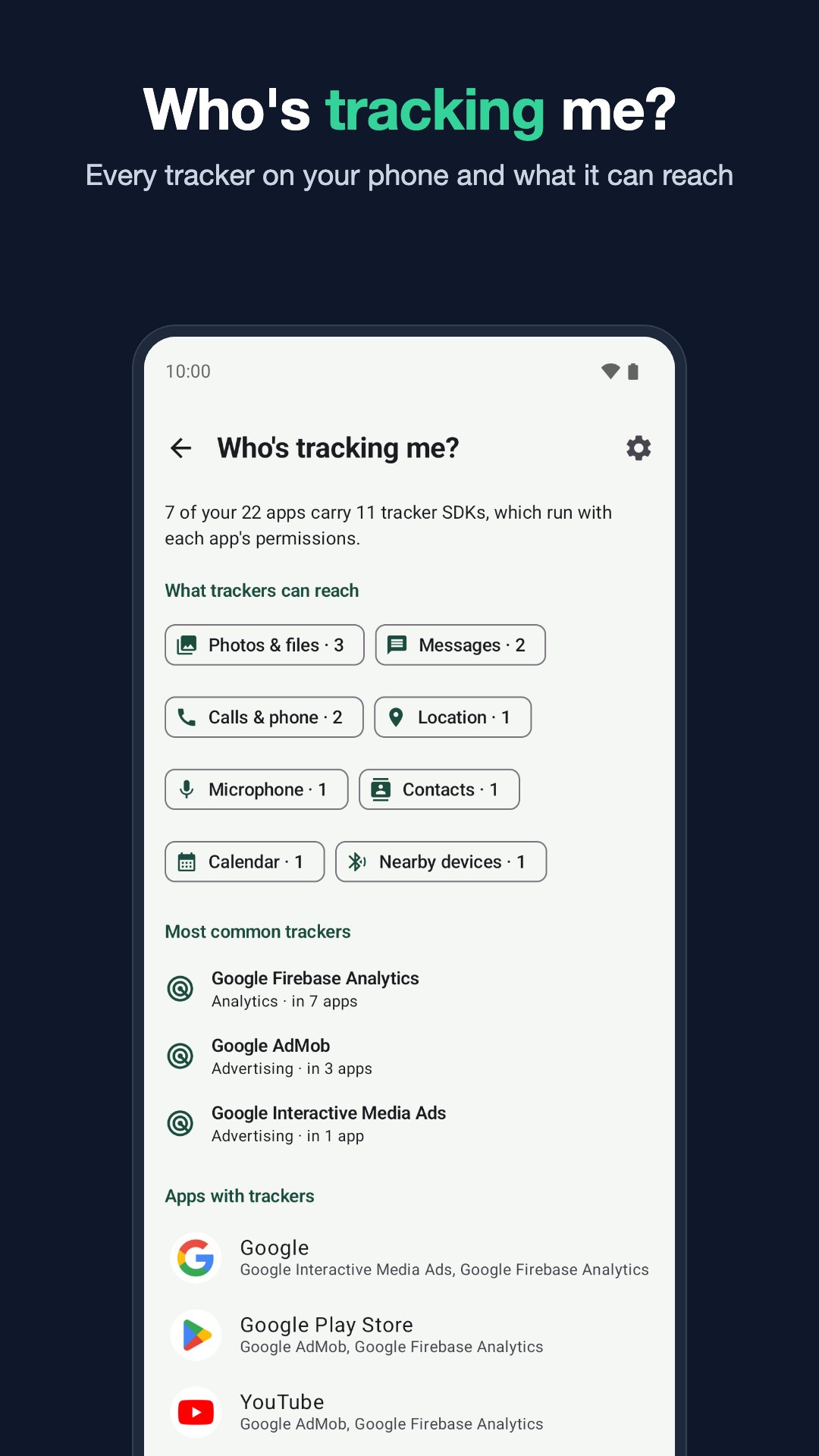
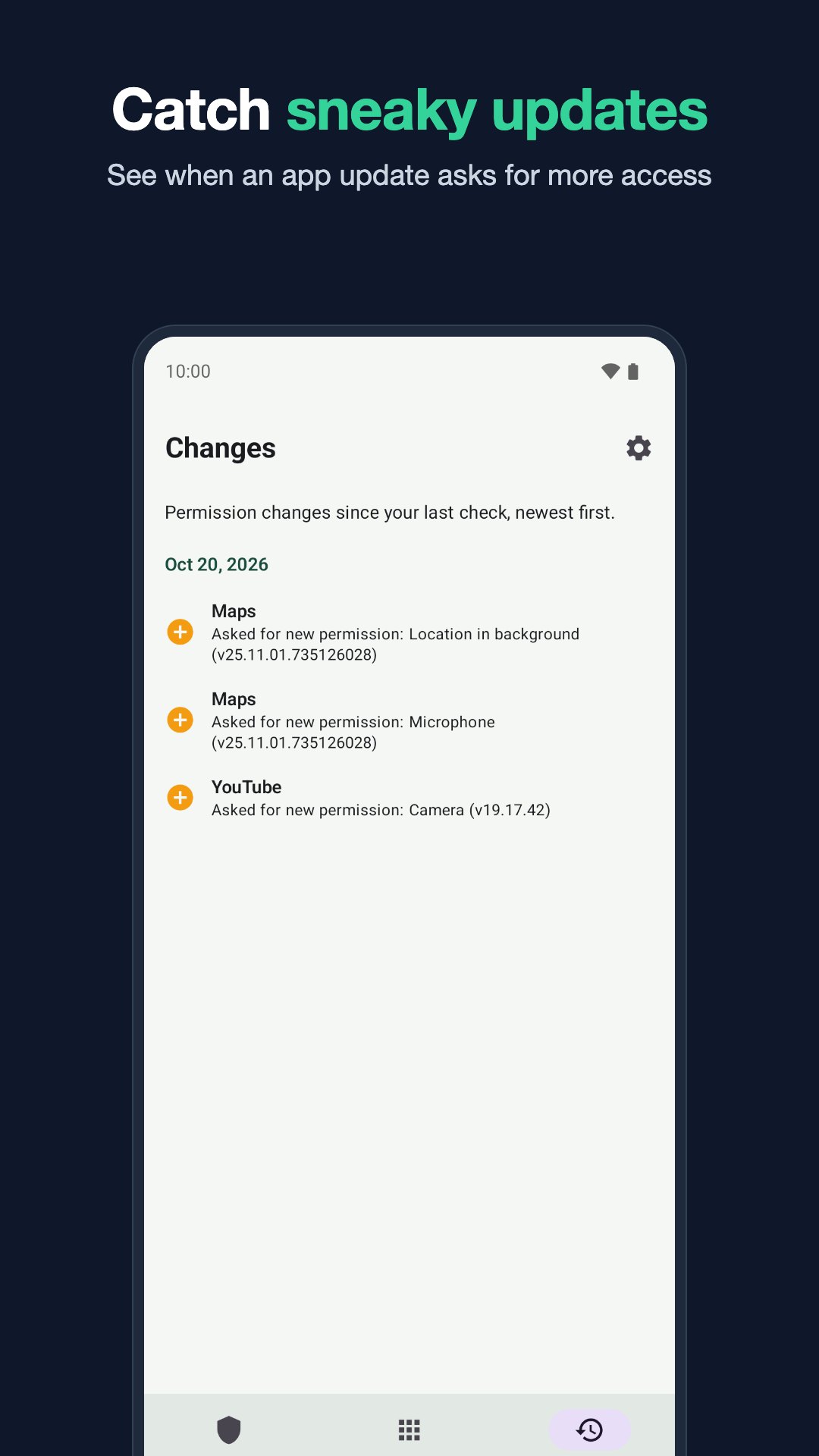
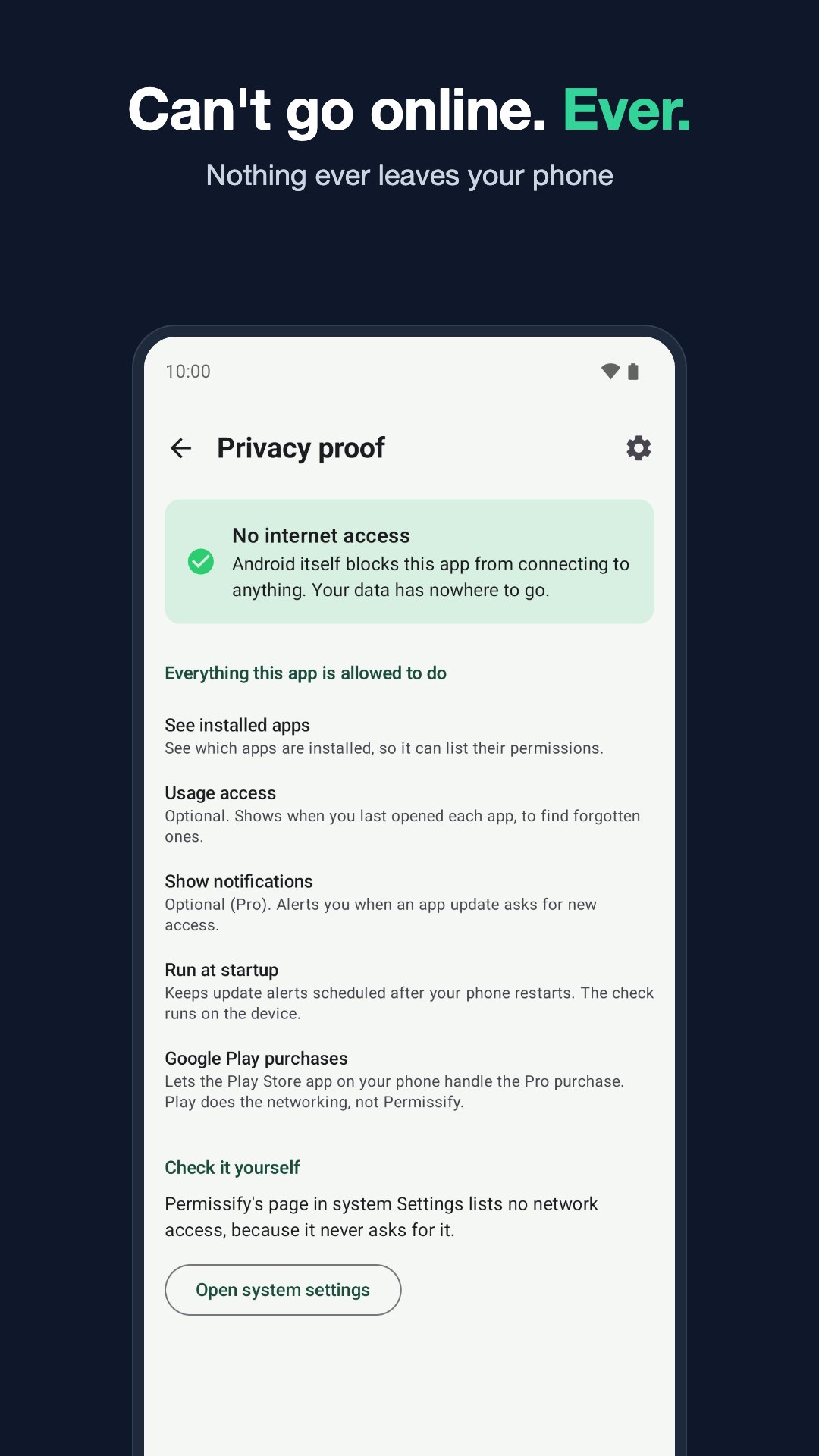
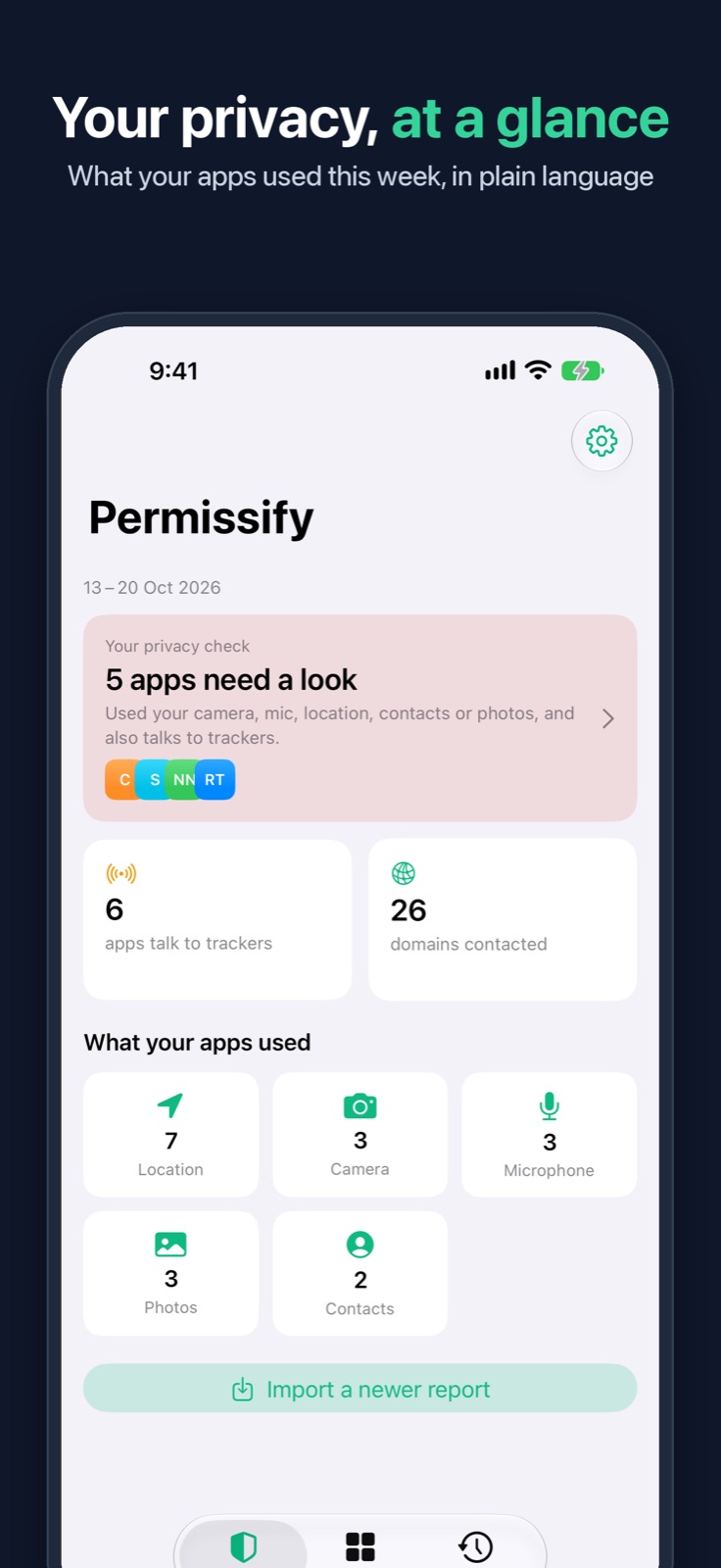
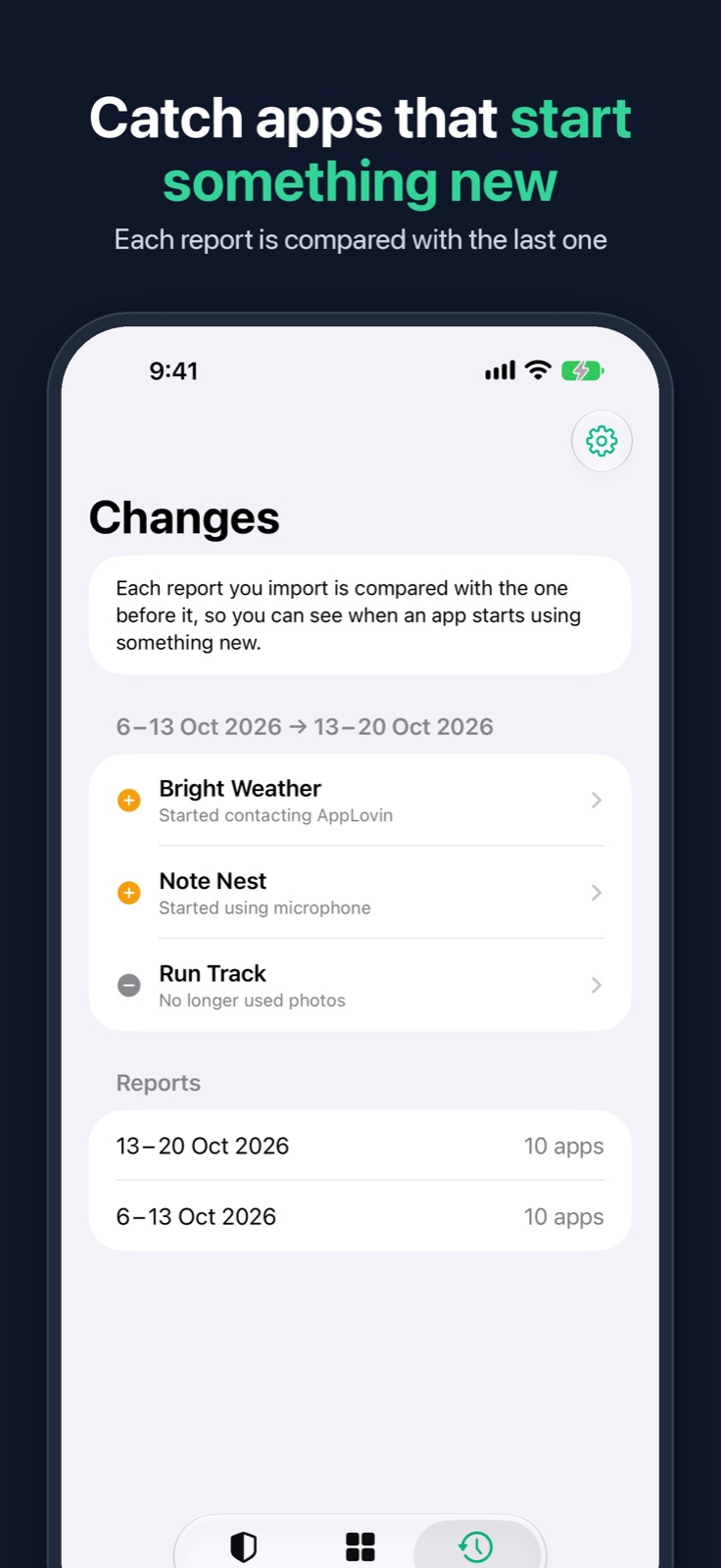
A plain-language privacy check for the apps on your phone. On Android it shows which apps can reach your location, camera, microphone and messages, which hold powerful special access, and which forgotten apps still can. On iPhone it explains the App Privacy Report that iOS keeps: what each app used this week and who it contacted. Pro finds the ad and analytics trackers. The Android app has no internet permission and the iPhone app has no networking code, so nothing ever leaves your phone.
Push water out of your speaker, then check that it worked.
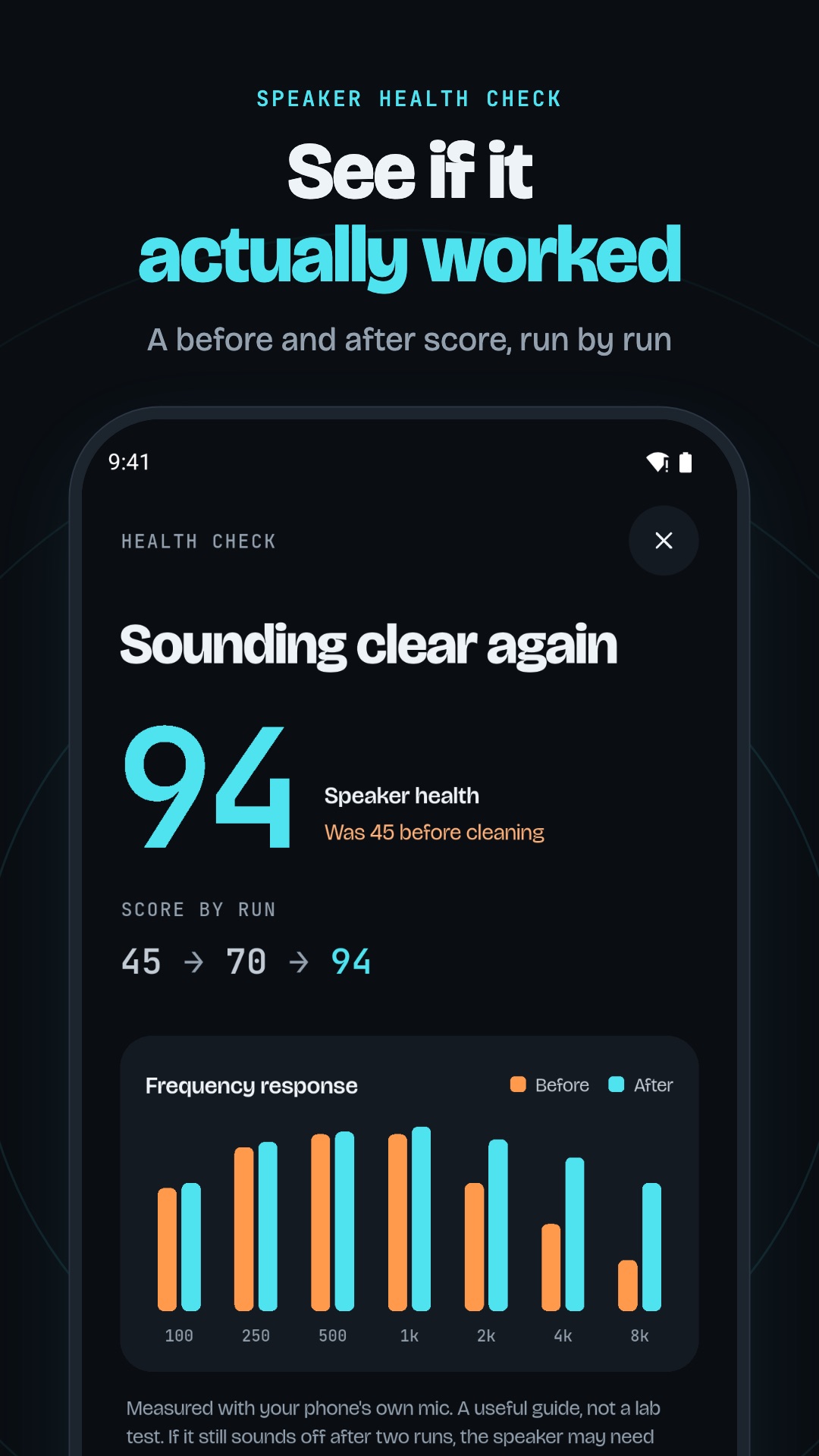
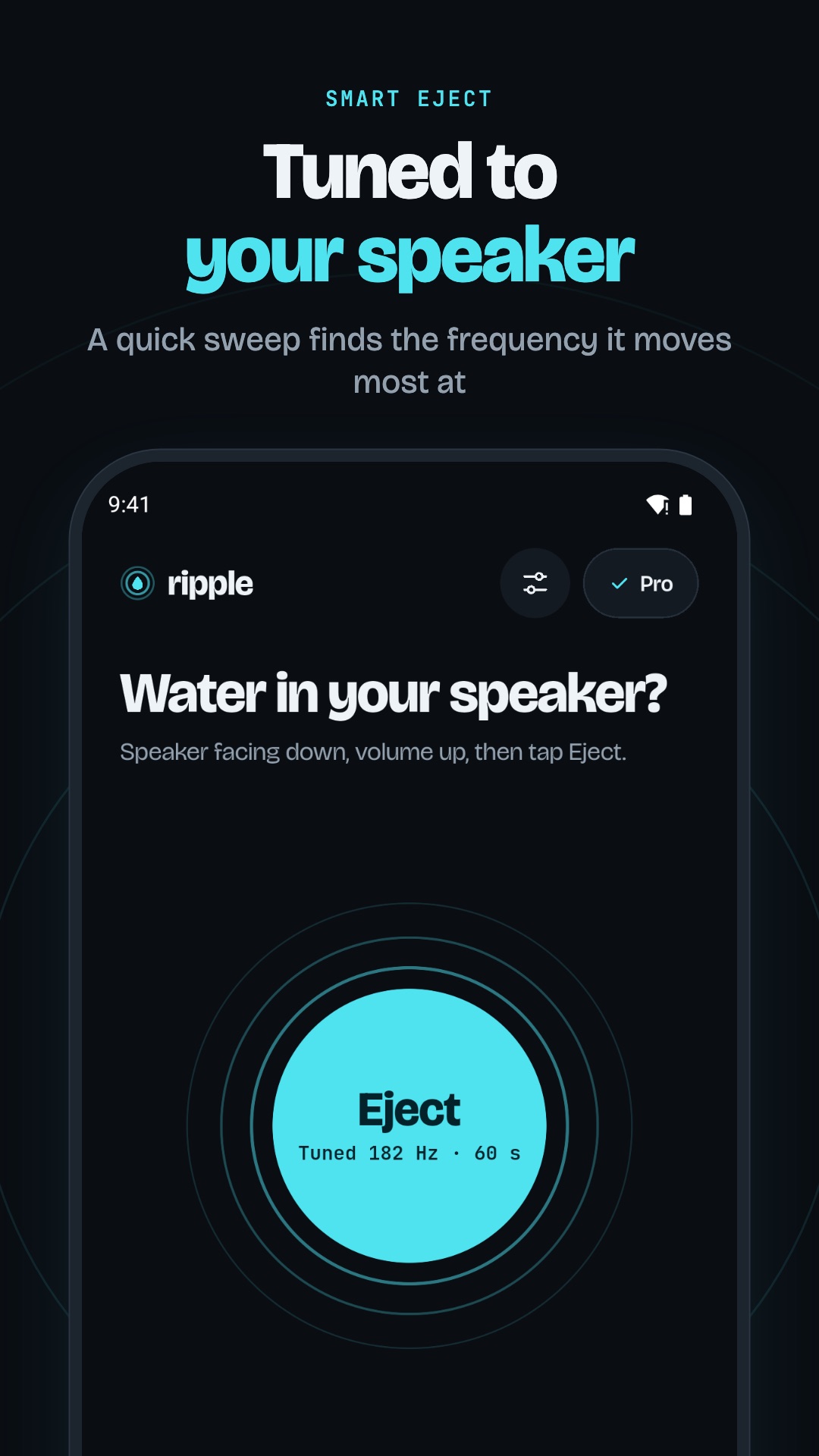
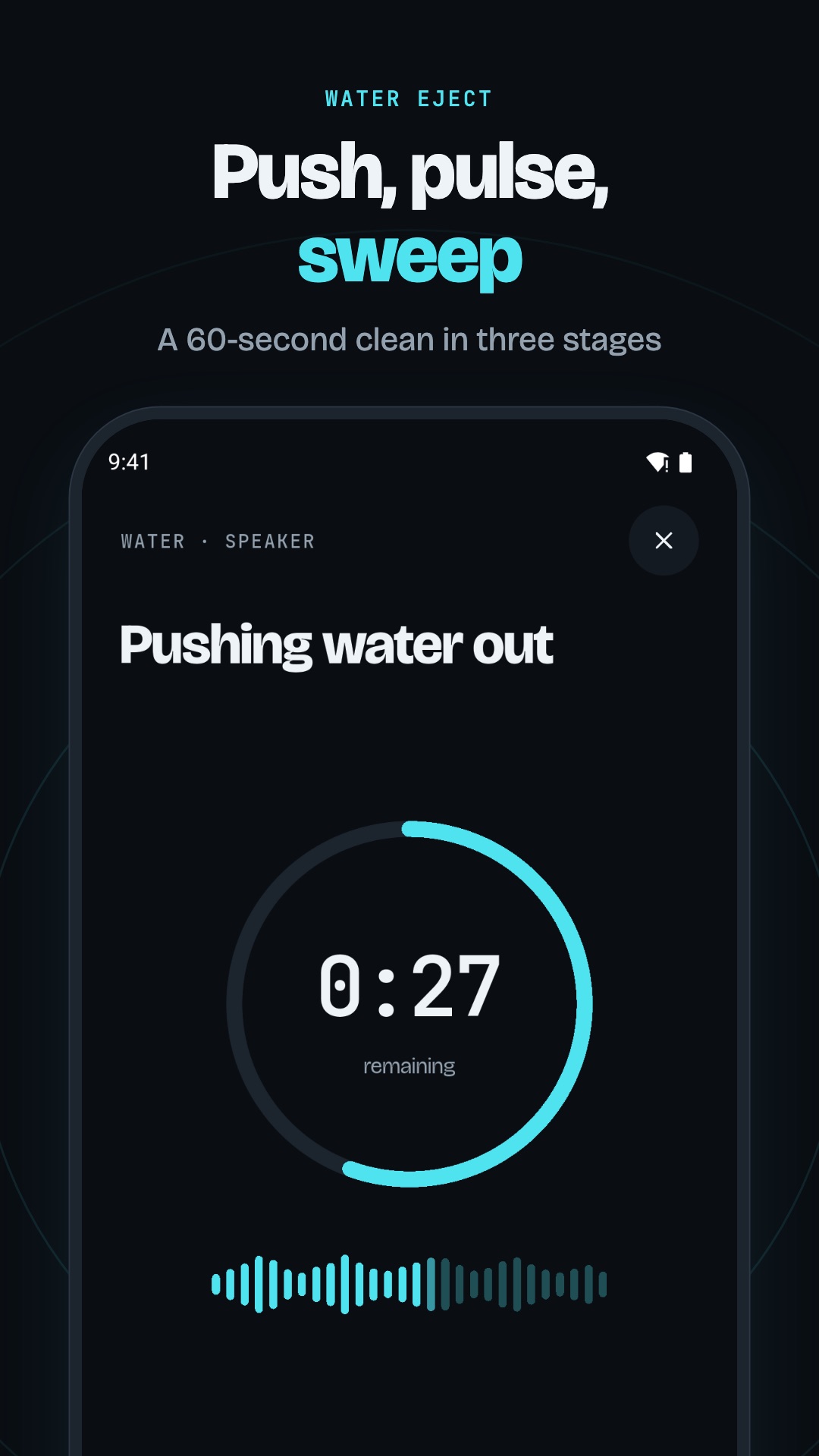
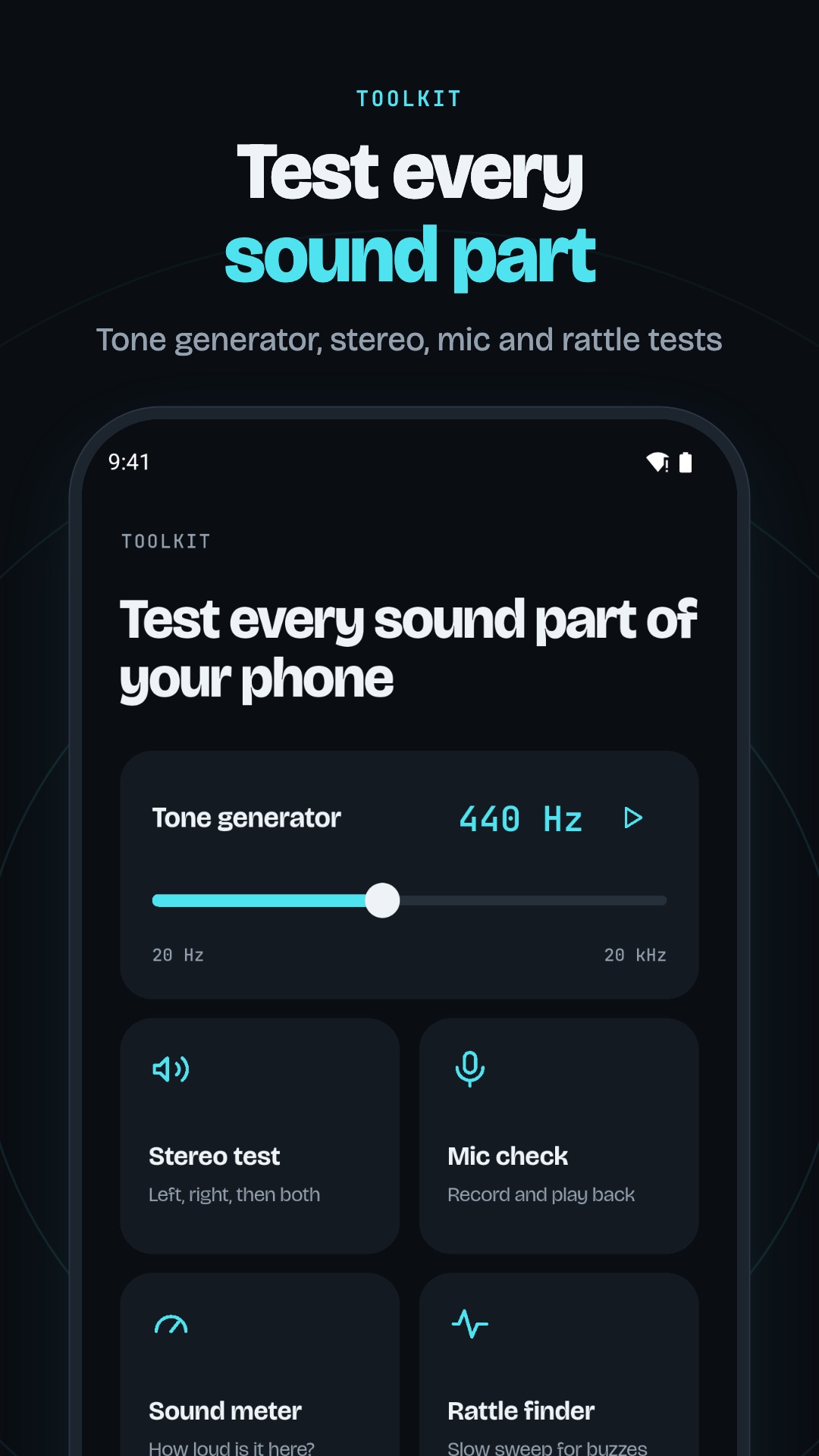
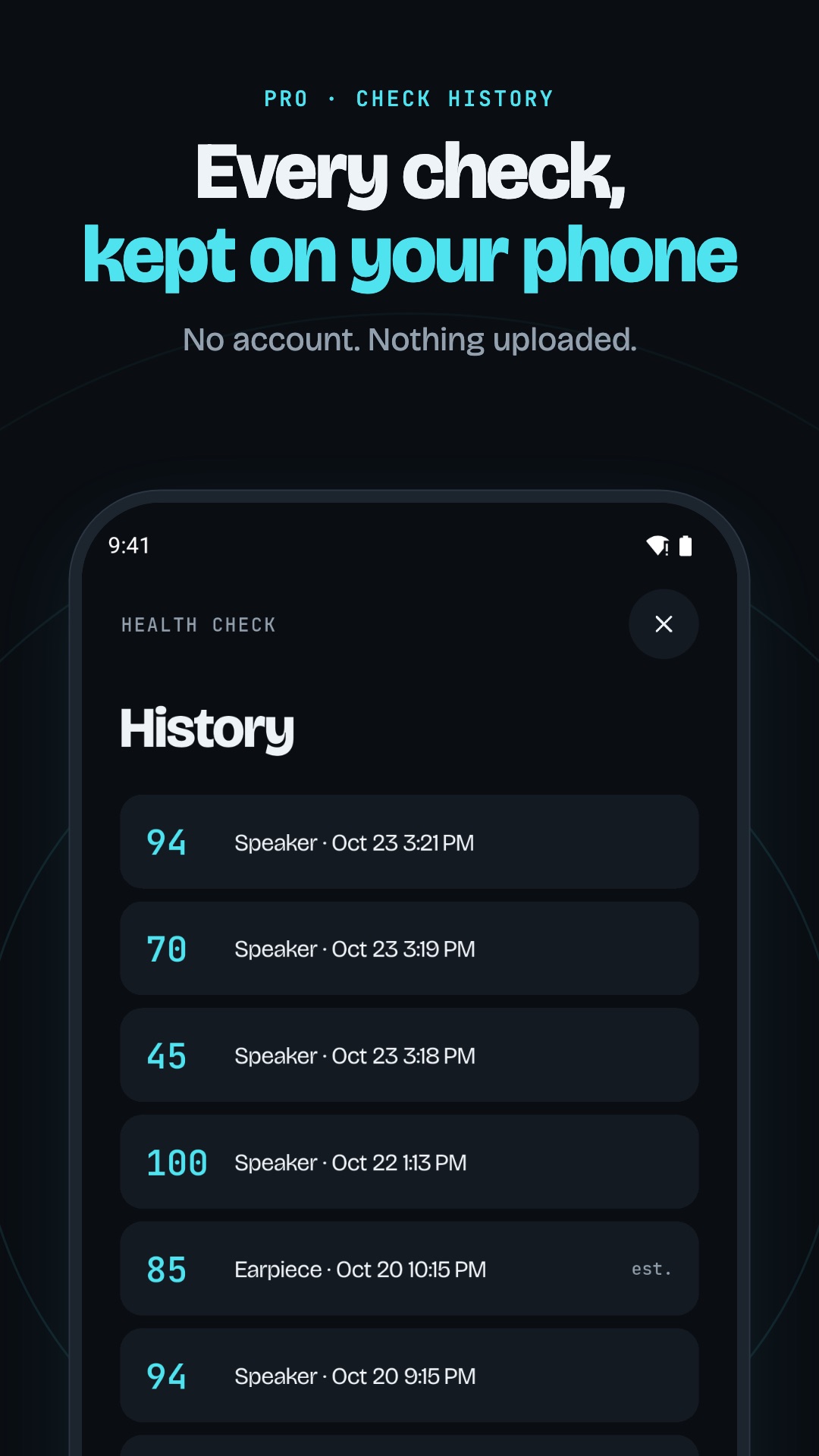
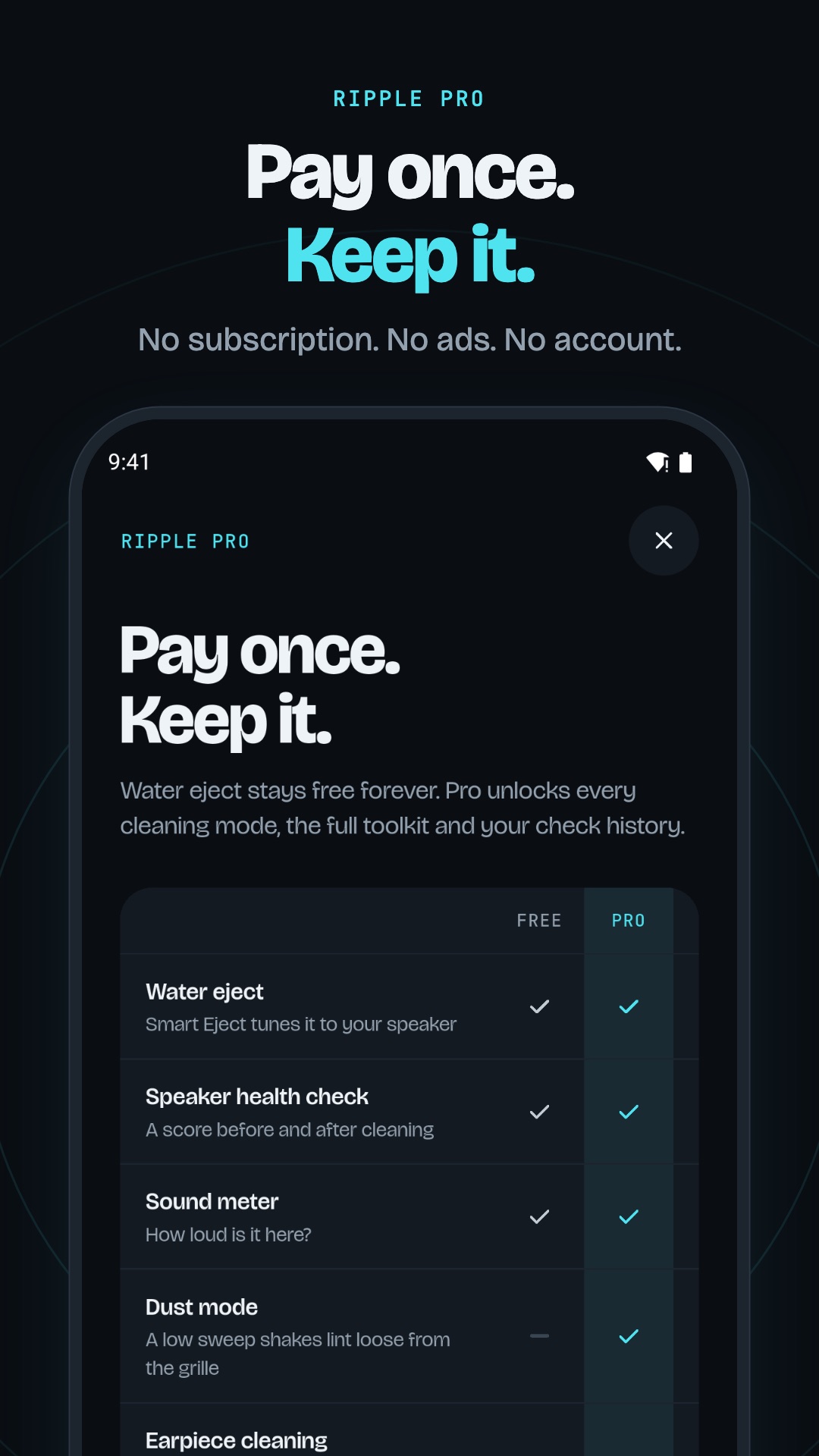
A speaker cleaner for iPhone and Android that measures its own work. Ripple plays low tones that help push water and dust out of the speaker grille, tuned to your own speaker by a two-second sweep, then listens with the phone's microphone and gives a before and after score. It helps clear water; it doesn't repair a speaker. Audio never leaves your phone.
An alarm that makes you get up.
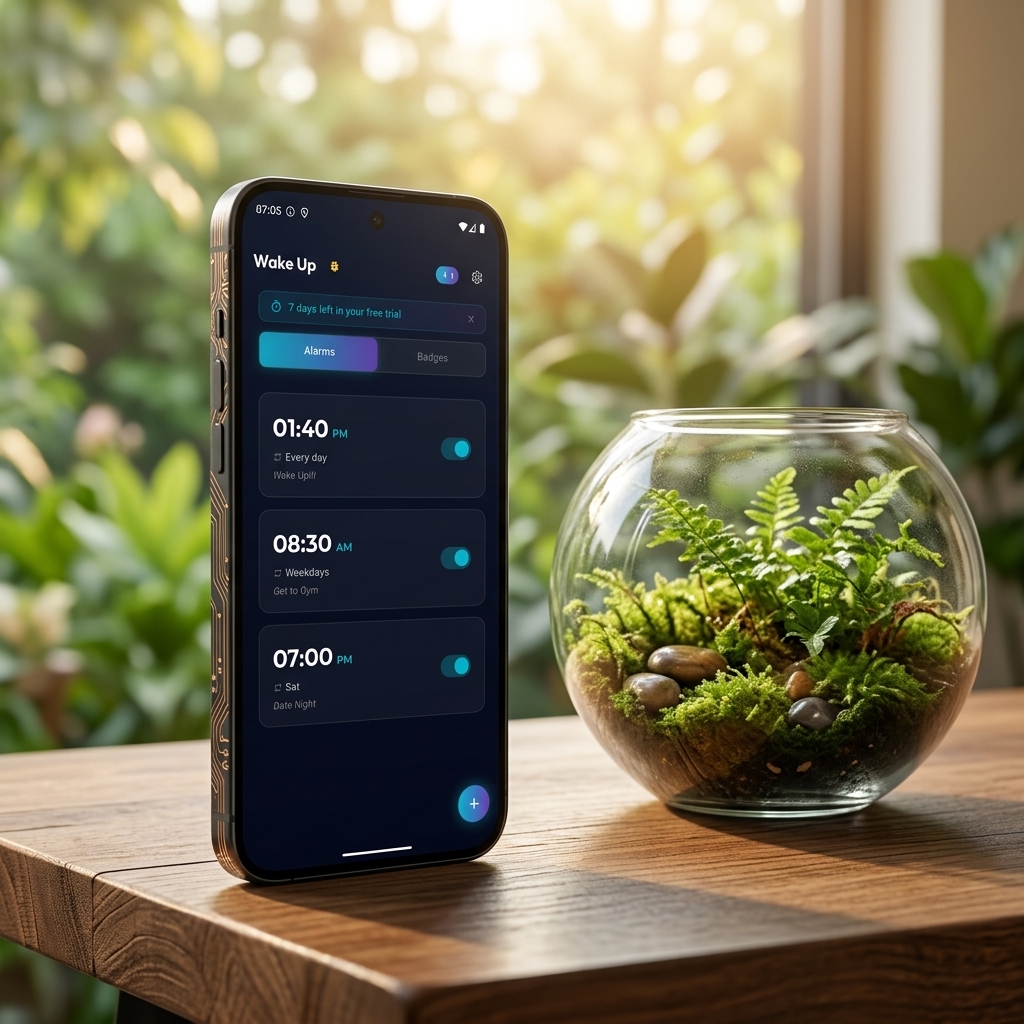
An alarm clock that asks you to do something before it stops: solve a sum, match cards from memory, shake the phone, type a quote, or walk fifty steps. Five missions, with streaks for the days you get up.